Zero-Knowledge Architecture
Your master password never leaves your browser or desktop app. Cryptographic keys are derived locally using Argon2id/PBKDF2 with 600,000 iterations.
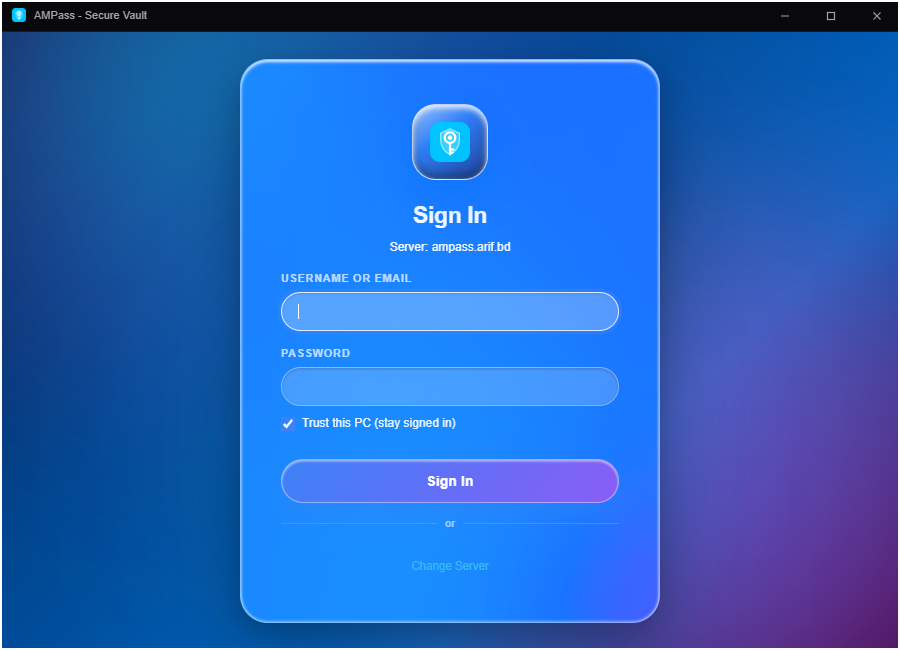
Take complete control of your secrets. Military-grade AES-256-GCM zero-knowledge encryption, automatic one-click Windows Remote Desktop (MSTSC) connection launcher, and permanent browser auto-fill.
Designed from the ground up for maximum data sovereignty, speed, and seamless daily workflow integration.
Your master password never leaves your browser or desktop app. Cryptographic keys are derived locally using Argon2id/PBKDF2 with 600,000 iterations.
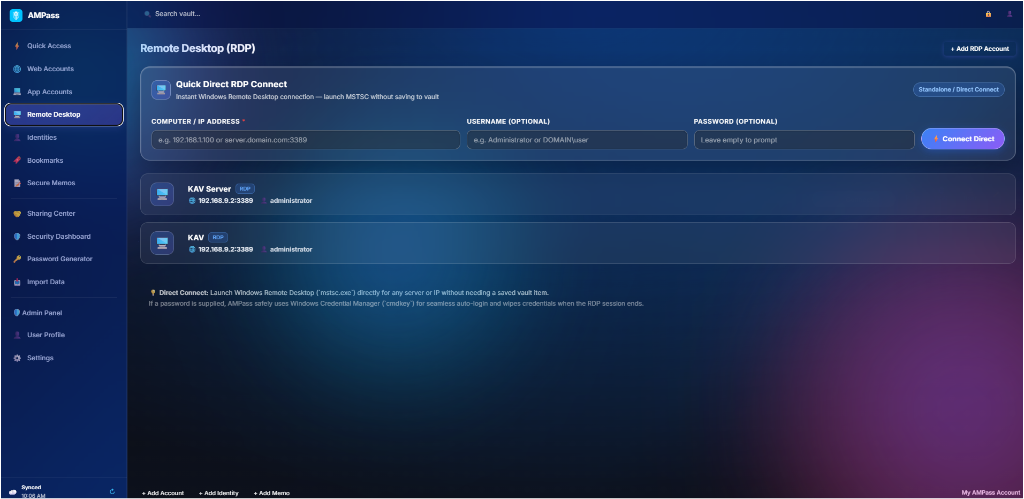
Launch Windows Remote Desktop (`MSTSC.exe`) with auto-filled credentials in one click. Features Quick Direct RDP connect for instant remote server management.
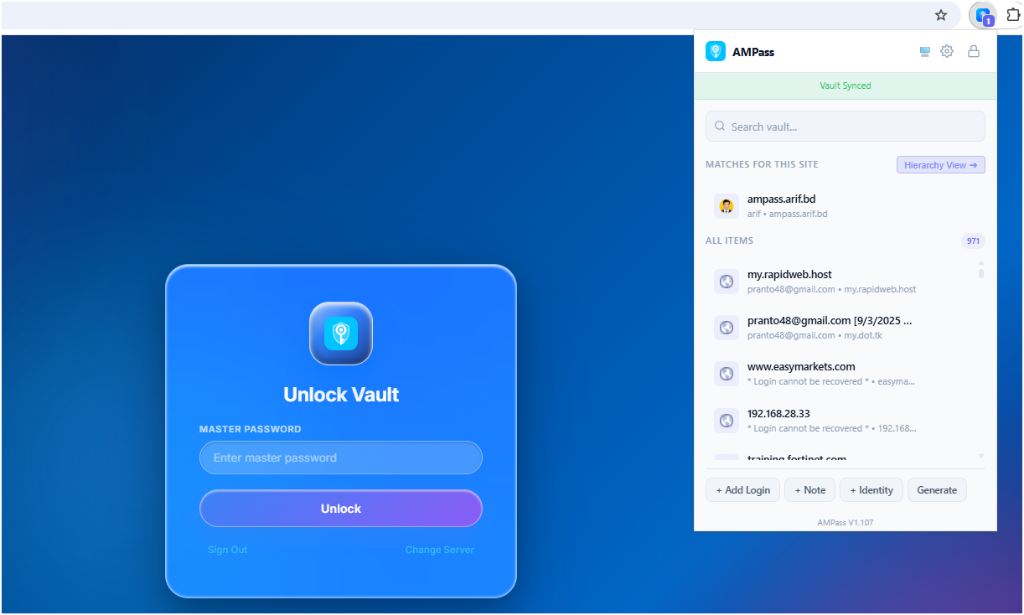
Chrome and Edge extension pre-configured with Windows Registry integration. Stays permanently installed without disappearing on PC restart.
Store encrypted notes, server credentials, SSH keys, identities, credit cards, and application accounts with instant fuzzy search.
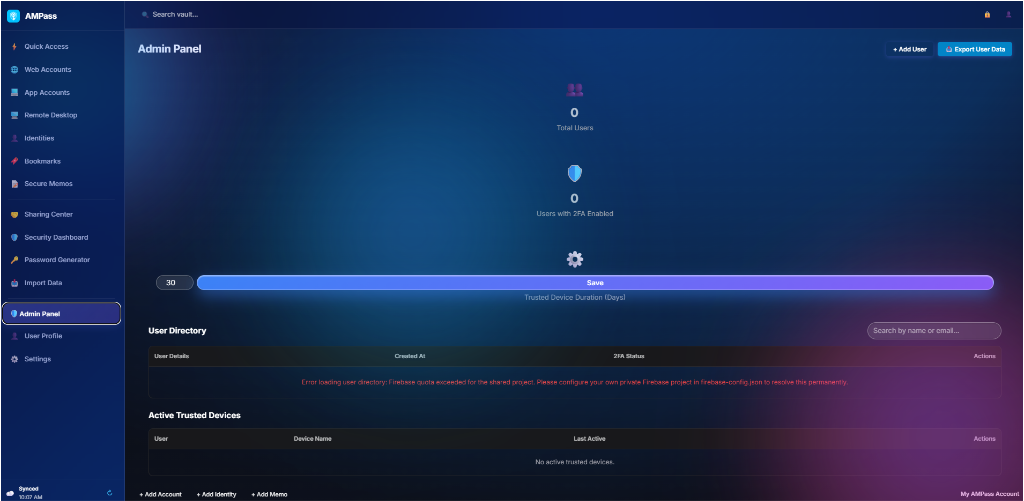
Share vault credentials securely with team members using public-key cryptography and granular view/edit permission controls.
Generate high-entropy random passwords and analyze vault strength with built-in leak checking and entropy calculation.
Download official v1.108.0 release installers built and verified by IT Support BD.
Standalone Windows Installer (x64) with desktop shortcut, tray icon, and auto-update support.
Download .exe (v1.108.0)Enterprise Windows Installer package suitable for group policy (GPO) and network deployment.
Download .msi (v1.108.0)Permanent extension bundle for Google Chrome, Microsoft Edge, and Brave browsers.
Extension Setup GuideLearn how to configure AMPass on Windows, setup browser integration, and connect to Remote Desktop servers.
Install `AMPass_1.108.0_x64-setup.exe`. On first launch, enter your server URL or connect to your self-hosted vault instance.
The extension bundle is deployed to your permanent AppData folder to guarantee zero removal after PC restart:
AMPass communicates natively with Windows `MSTSC.exe` to launch remote desktop sessions seamlessly:
Technical architecture overview:
Everything you need to know about self-hosting, security, and browser integration.
IT Support BD (itsupport.com.bd) provides enterprise IT infrastructure, cybersecurity, cloud engineering, and open-source security products.
AMPass was created to give individuals, sysadmins, and teams full data sovereignty over their sensitive passwords, Remote Desktop servers, and digital credentials.
Visit IT Support BD Website